Your First Step into Backend: Writing Your First PHP Script Like a Pro
🌱 Introduction
First PHP Script and PHP Tags is the moment where PHP actually begins to feel real. This is where theory turns into action. Writing the first PHP script helps you understand how PHP starts, how it ends, and how the server reads your code.
Many students feel nervous at this stage, but this topic is simpler than it looks. Once you write your first working PHP script, confidence builds instantly. Everything that comes later like variables, forms, and databases depends on this basic understanding.
📘 First PHP Script and PHP Tags
🐘 What is a PHP Script?
Explanation in simple English
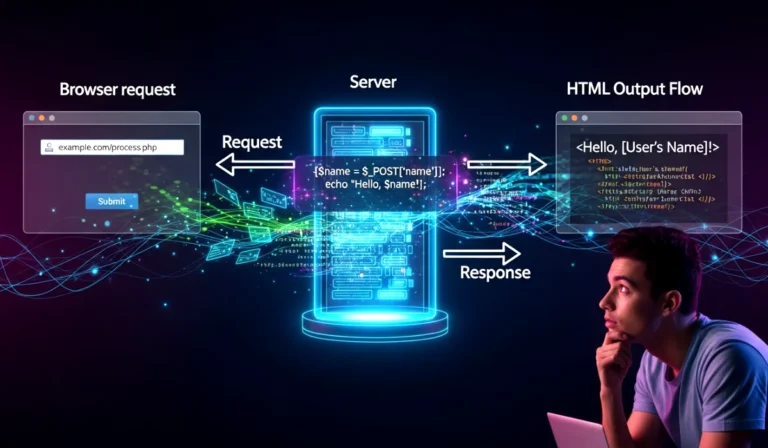
A PHP script is a set of instructions written in PHP that runs on the server and produces output.
Why this concept exists
Websites need logic to process data, make decisions, and create dynamic content.
Where and how it is used
PHP scripts handle tasks like displaying messages, processing forms, and fetching data.
Key exam points
- PHP script runs on server
- Output is sent to browser
- PHP code is not visible to users
🏷️ PHP Tags Explained
Explanation in simple English
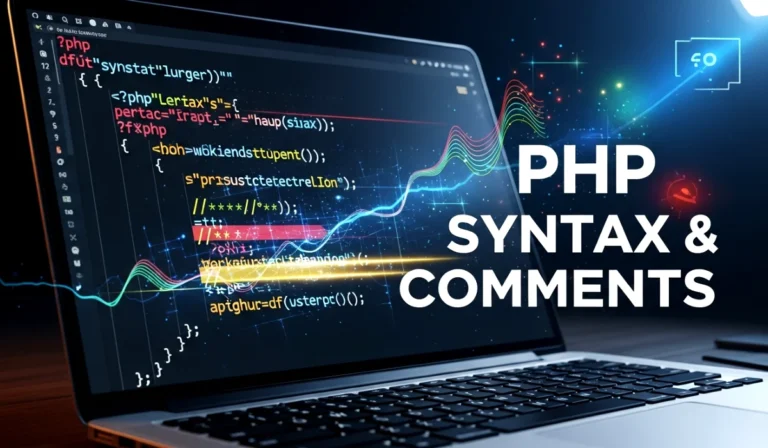
PHP tags tell the server where PHP code starts and ends.
Why this concept exists
A PHP file can contain both HTML and PHP. Tags help the server separate them.
Where and how it is used
Every PHP file uses PHP tags to enclose PHP code.
Key exam points
- PHP code must be inside tags
- Tags are mandatory
- Without tags, PHP will not execute
🔖 Types of PHP Tags
Standard PHP Tags
<?php
// PHP code here
?>
Explanation
This is the most common and recommended PHP tag.
Why this tag exists
It works on all servers and avoids compatibility issues.
Exam points
- Always use standard PHP tags
- Short tags may not work everywhere
✍️ Writing the First PHP Script
Step-by-step explanation
- Open a text editor
- Create a file named
first.php - Write PHP code inside PHP tags
- Save file inside htdocs or www
- Run using localhost
Why this process exists
PHP needs a server environment to execute scripts correctly.
Where and how it is used
Used in every PHP project to start execution.
Key exam points
- File extension must be
.php - File must be inside server folder
🧩 First PHP Script Example
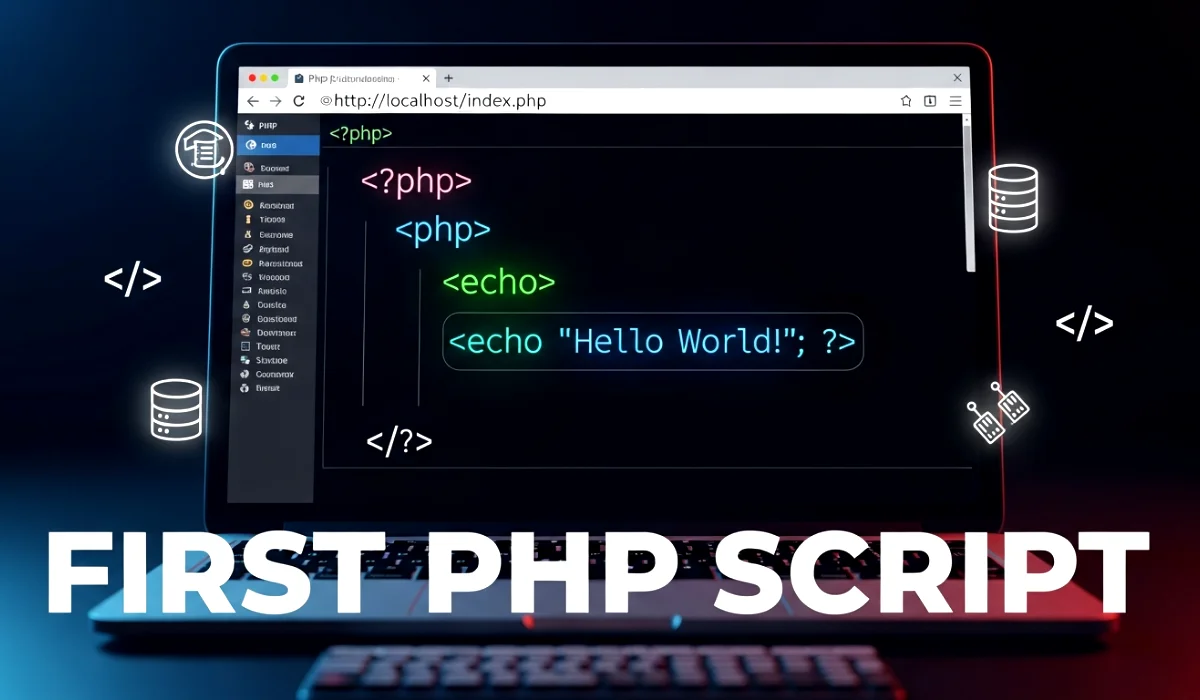
<?php
echo "Hello PHP"; // Displays message
?>
Line-by-line explanation
<?phpstarts PHP codeechoprints output"Hello PHP"is the message?>ends PHP code
Exam Tip
echo is used to display output in PHP.
⚙️ Running the PHP Script
Explanation in simple English
PHP scripts do not run by double-clicking.
Why this concept exists
PHP needs a server to execute code.
Where and how it is used
Run PHP using browser and localhost.
Example URL:http://localhost/first.php
Key exam points
- PHP runs through server
- Localhost is required
🌍 Real-Life or Practical Use
Every real PHP application starts with a simple script like this. Whether it is a login system or a dashboard, the first step is writing PHP code inside tags and making sure it runs correctly. This habit helps avoid errors and speeds up development.
📝 Exam-Focused Summary
- PHP script is server-side code
- PHP tags define code boundaries
<?phpstarts PHP code?>ends PHP codeechodisplays output- PHP file extension is
.php
🎯 Conclusion
First PHP Script and PHP Tags lays the foundation for everything in PHP. Once this step feels comfortable, learning variables, conditions, loops, and forms becomes much easier.
This topic connects directly to future chapters like data handling, user input, and database operations. Write small scripts, test them often, and let practice build confidence.