One Install That Changes Everything: XAMPP & WAMP Made Easy
🌱 Introduction
XAMPP/WAMP Installation and Environment Setup is the first real step into PHP and backend development. Without this setup, PHP code cannot run, databases cannot connect, and projects cannot even start. Many students struggle here and feel stuck before coding even begins.
This topic explains how to create a local server environment on your computer. Once this setup is done, your system behaves like a real web server. That is when PHP, MySQL, and Apache start working together smoothly. This knowledge saves time, avoids common errors, and builds confidence from day one.
📘 XAMPP/WAMP Installation and Environment Setup
🧩 What is XAMPP and WAMP?
Explanation in simple English
XAMPP and WAMP are software packages that create a local web server on your computer.
- XAMPP works on Windows, Linux, and macOS
- WAMP works only on Windows
Why this concept exists
PHP needs a server environment to run. Installing each tool separately is difficult. XAMPP and WAMP bundle everything into one easy setup.
Where and how it is used
They are used for practicing PHP, testing websites, and building projects locally before hosting them online.
Key exam points
- XAMPP and WAMP provide local server
- Used for PHP and MySQL practice
- Not used directly on live servers
🧱 Components Inside XAMPP and WAMP
Explanation in simple English
Both tools include the same core components.
- Apache for web server
- MySQL for database
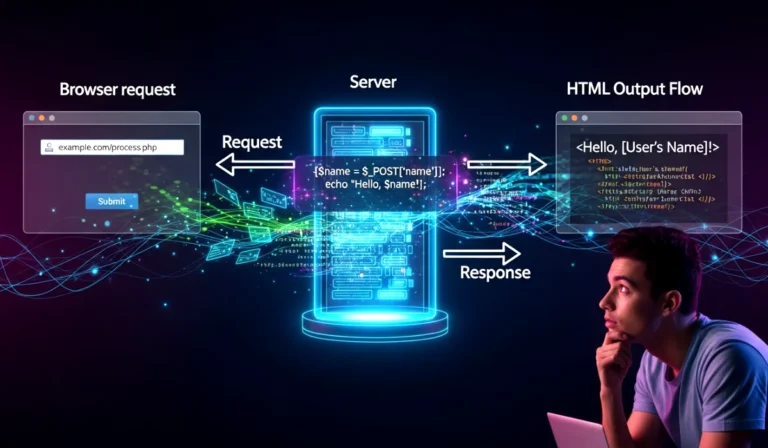
- PHP for server-side scripting
Why this concept exists
A website needs a server, a database, and a scripting language to work properly.
Where and how it is used
These components work together to run PHP websites locally.
Key exam points
- Apache handles requests
- PHP processes logic
- MySQL stores data
💻 XAMPP/WAMP Installation and Environment Setup
Step-by-step installation process
- Download XAMPP or WAMP from official website
- Run the installer file
- Select components Apache, MySQL, PHP
- Choose installation folder
- Complete installation
- Open control panel
Why this setup exists
It creates a safe practice environment without internet dependency.
Where and how it is used
Used daily by students, developers, and testers.
Key exam points
- Installation includes Apache and MySQL
- Control panel manages services
- Localhost is used to access server
▶️ Starting Apache and MySQL
Explanation in simple English
Apache and MySQL must be running to execute PHP code.
Why this concept exists
PHP needs Apache to serve pages and MySQL to manage data.
Where and how it is used
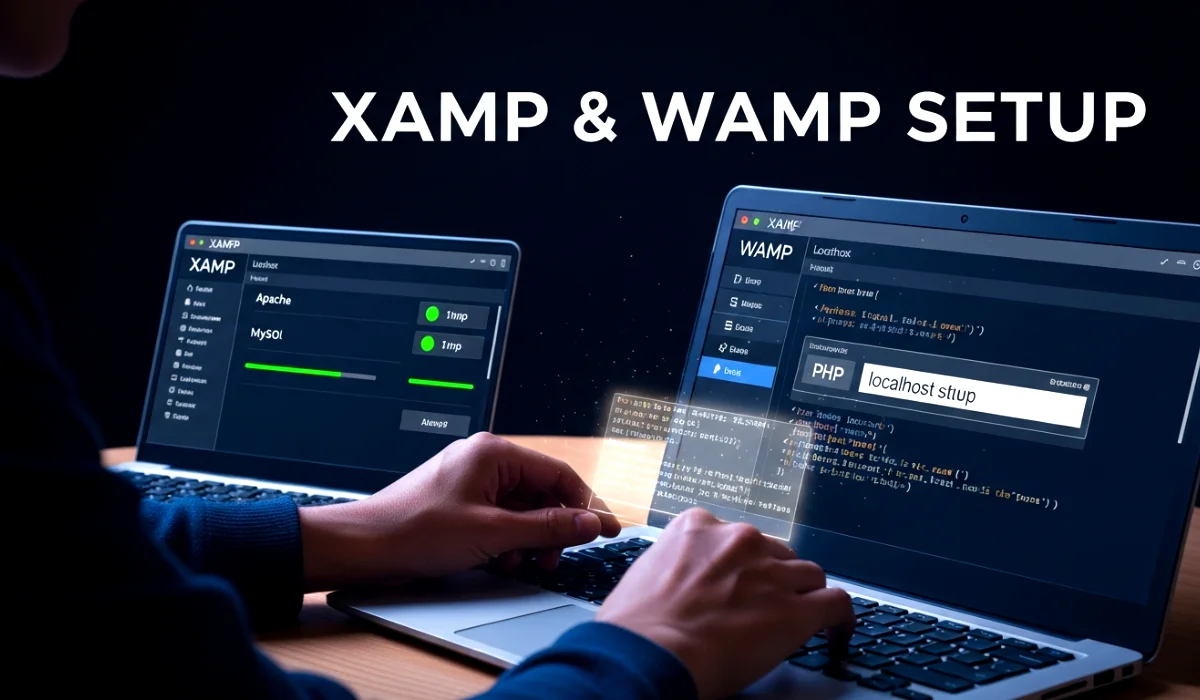
Services are started from XAMPP or WAMP control panel.
Key exam points
- Apache must be ON
- MySQL must be ON
- Green status means running
📂 Understanding htdocs and www Folder
Explanation in simple English
This folder is where all PHP files are stored.
- XAMPP uses htdocs
- WAMP uses www
Why this concept exists
The server needs a fixed location to read website files.
Where and how it is used
All project folders and PHP files go inside this directory.
Key exam points
- PHP files must be inside htdocs or www
- Server reads files from this folder only
🌐 Accessing Localhost in Browser
Explanation in simple English
Localhost refers to your own computer acting as a server.
Why this concept exists
It allows testing websites locally without internet.
Where and how it is used
Type http://localhost in browser.
Key exam points
- Localhost points to local server
- Used for testing PHP projects
🧪 Simple PHP Test Example
test.php file
<?php
echo "XAMPP is working"; // Displays message
?>
Steps to run
- Save file inside htdocs or www
- Start Apache
- Open browser
- Type
localhost/test.php
Exam Tip
If output appears, PHP environment is correctly set.
🌍 Real-Life or Practical Use
Before launching a website online, developers test everything locally using XAMPP or WAMP. Login systems, forms, dashboards, and databases are checked safely. Once everything works, the project moves to live hosting. This step avoids costly errors on real users.
📝 Exam-Focused Summary
- XAMPP and WAMP create local server
- Apache runs PHP files
- MySQL manages database
- PHP executes on server
- htdocs or www stores files
- Localhost accesses projects
🎯 Conclusion
XAMPP/WAMP Installation and Environment Setup is the foundation of PHP development. Once this setup is complete, learning PHP syntax, forms, databases, and sessions becomes smooth and logical.
This topic connects directly to future chapters like database connectivity, authentication, and full-stack projects. Strong setup knowledge leads to fewer errors and faster learning. Master this once, and every PHP project becomes easier.