From Click to Code: How PHP Secretly Runs Your Website
🌱 Introduction
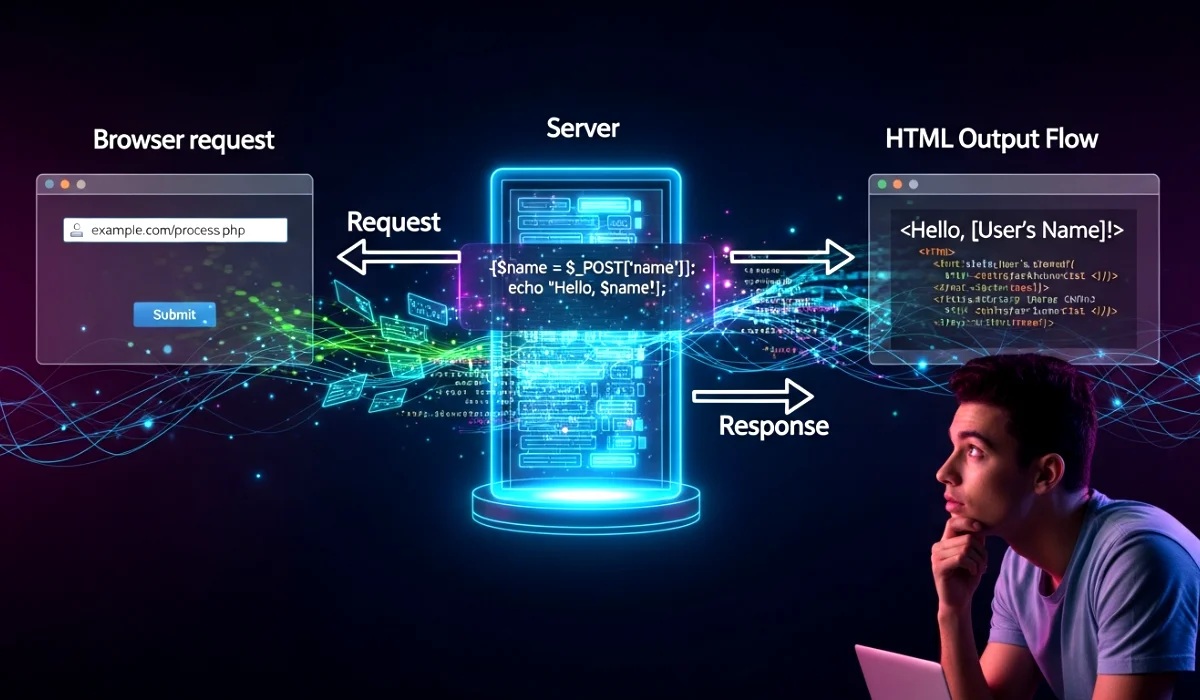
Server, PHP, Browser Flow (How PHP Works) explains what really happens when a user opens a PHP website. Many students learn PHP syntax but still feel confused about where the code runs and how output reaches the screen. This topic clears that confusion completely.
Once this flow becomes clear, PHP stops feeling magical and starts feeling logical. It helps in understanding forms, database connections, sessions, and even errors. This knowledge is not optional. It is the backbone of backend development.
📘 Server, PHP, Browser Flow (How PHP Works)
🌐 Browser: The Starting Point
Explanation in simple English
A browser is the software used to open websites. It sends requests and shows results. That is all it does.
Why this concept exists
Users need a simple way to access websites without knowing how they work internally.
Where and how it is used
Browsers request pages from servers and display the response as a webpage.
Key exam points
- Browser acts as a client
- Browser cannot execute PHP
- Browser understands HTML, CSS, JavaScript
🖥️ Server: The Brain Behind the Website
Explanation in simple English
A server is a computer that stores website files and responds to browser requests.
Why this concept exists
Websites must stay online and available to users at all times.
Where and how it is used
Servers host PHP files, databases, and application logic.
Key exam points
- Server processes PHP code
- Server sends response to browser
- PHP runs only on server
🐘 PHP: The Worker in the Middle
Explanation in simple English
PHP is a server-side scripting language. It works behind the scenes and never reaches the browser.
Why this concept exists
Static websites cannot handle user input or databases. PHP solves this problem.
Where and how it is used
PHP handles login systems, form processing, data validation, and database interaction.
Key exam points
- PHP executes on server
- PHP output is HTML
- PHP code is hidden from users
🔁 Server, PHP, Browser Flow (How PHP Works)
Step-by-step explanation
- User types a website URL in the browser
- Browser sends a request to the server
- Server checks the requested file
- Server sends PHP file to PHP engine
- PHP code executes line by line
- PHP generates HTML output
- Server sends HTML back to browser
- Browser displays the webpage
Why this flow exists
This flow ensures security and dynamic content generation.
Where it is used
Every PHP-based website follows this same flow.
Key exam points
- PHP code never reaches browser
- Output is always HTML
- Processing happens before response
🧩 Simple PHP Flow Example
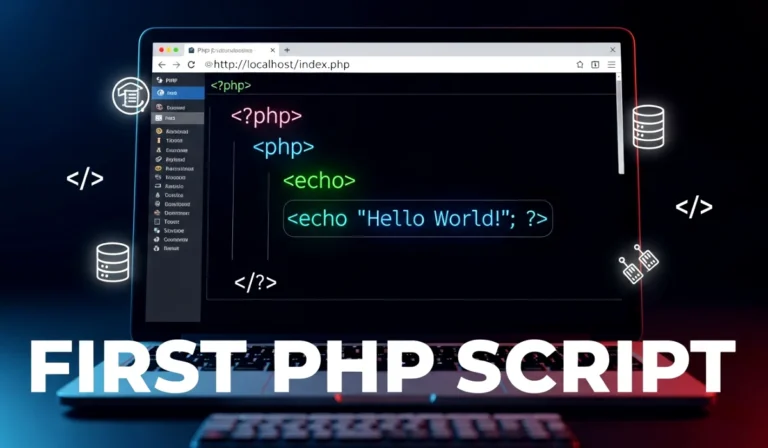
PHP File Code
<?php
echo "Welcome to PHP"; // Output created on server
?>
What happens internally
- Browser requests the file
- Server runs PHP code
- HTML output is created
- Browser displays result
Exam Tip
If PHP code appears in browser, the server is not processing PHP.
⚙️ Why PHP Needs a Server
Explanation in simple English
PHP cannot run directly like HTML.
Why this concept exists
PHP needs a web server and PHP engine to execute code.
Where it is used
Local servers like XAMPP and live hosting servers.
Key exam points
- PHP requires a server
- Apache or similar server needed
- PHP does not run in browser
🌍 Real-Life or Practical Use
When a user logs into a website, the browser sends login data to the server. PHP checks the database, validates credentials, and decides access. The browser only receives the final result. This happens in milliseconds and repeats millions of times daily across the internet.
📝 Exam-Focused Summary
- Browser sends request
- Server receives request
- PHP executes on server
- Output becomes HTML
- Browser displays response
🎯 Conclusion
Server, PHP, Browser Flow (How PHP Works) builds a strong foundation for backend development. Once this flow is clear, topics like sessions, cookies, database connectivity, and security feel connected instead of confusing.
This understanding prepares learners for real projects, advanced PHP topics, and full-stack development careers. Learn the flow once, and everything else starts falling into place.